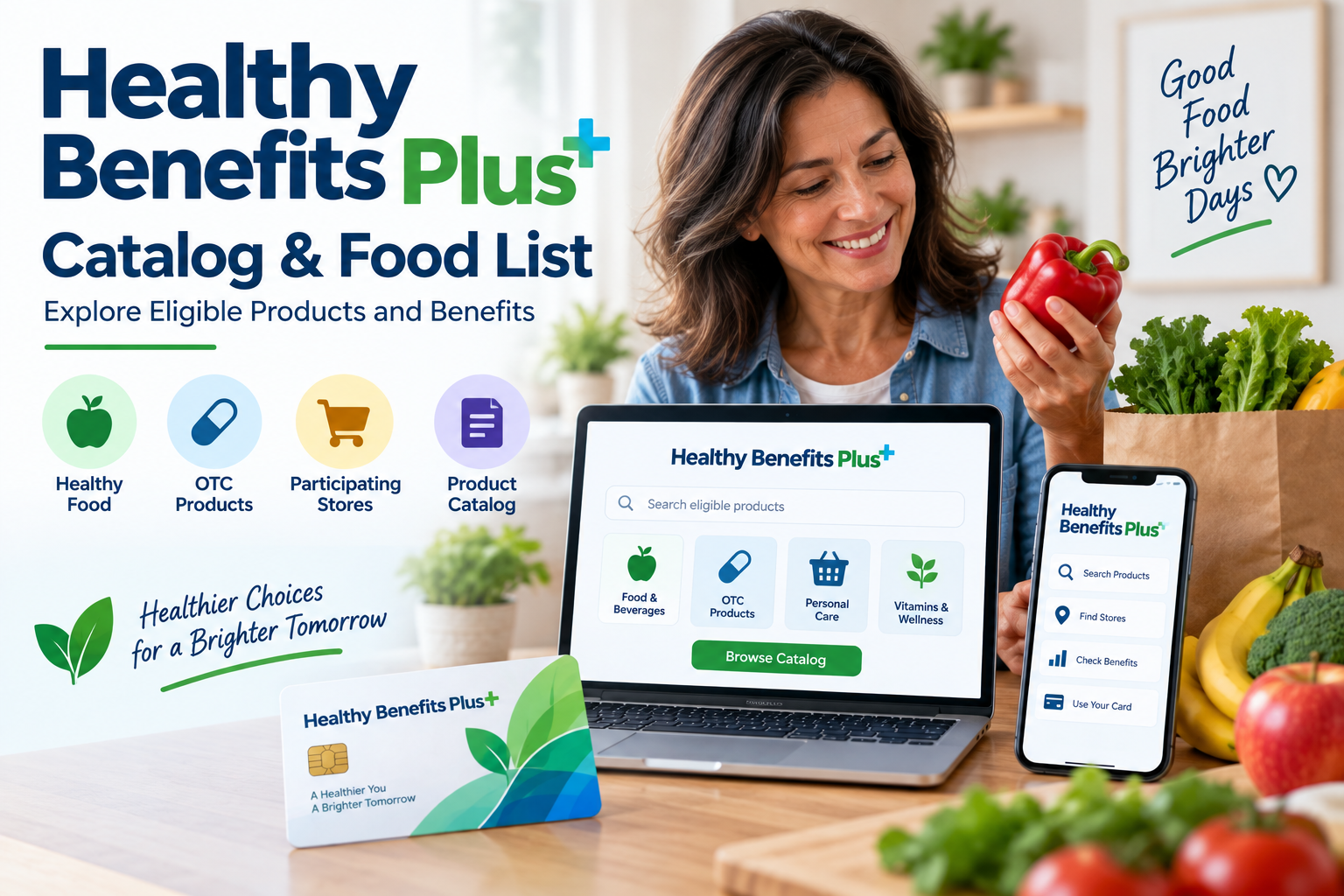
If you use Healthy Benefits+, the Healthy Benefits Plus catalog can help you understand which products and categories are eligible under your specific benefit program. Depending on your health plan, the catalog may include healthy foods, over-the-counter (OTC) products, fresh produce, personal care items, or other approved products.
However, there is an important point to remember: Healthy Benefits+ benefits and eligible products vary by health plan. The official Healthy Benefits+ website states that item eligibility and availability can change and that benefits can only be used for specific items at participating retailers.
This guide explains how the catalog works, what you may find in a Healthy Benefits Plus food list, how to check eligible products, and how Walmart and participating stores may fit into the process.
What Is the Healthy Benefits Plus Catalog?
The Healthy Benefits Plus catalog is a resource that helps members identify products that can be purchased or covered through their particular Healthy Benefits+ benefit program.
The exact catalog you see depends on your plan. Some programs focus primarily on:
- Healthy food
- Fresh fruits and vegetables
- Grocery products
- OTC health products
- Personal care products
- Vitamins and wellness products
- Other plan-approved products
For example, an official Healthy Benefits+ program page explains that members can browse thousands of approved OTC products on the website and use the catalog to view eligible products.
Other programs may provide food-focused benefits instead.
Why Does the Catalog Matter?
The catalog can make shopping easier because not every product sold at a participating retailer is necessarily eligible.
Your Healthy Benefits+ card is generally restricted to the products and services permitted by your specific benefit program.
Before shopping, checking the catalog or your online account can help you determine:
- Which products qualify
- Which product categories are covered
- Where you can use your benefits
- Whether an item is available through online ordering
- Whether your plan has additional restrictions
Healthy Benefits Plus Food List
A Healthy Benefits Plus food list is generally used to identify food products that qualify under programs offering grocery or food benefits.
Eligible categories can vary considerably between plans. Some Healthy Benefits+ food programs have included categories such as:
- Fresh fruits and vegetables
- Canned fruits and vegetables
- Frozen produce
- Frozen meals
- Dairy products
- Meat and seafood
- Beans and legumes
- Bread and cereals
- Pasta
- Pantry staples
- Soups
- Nutritional shakes and bars
- Water
An older official Healthy Benefits+ food-credit program, for example, listed these types of food categories as approved purchases. That particular program was from 2020, so it should not be treated as the current food list for every Healthy Benefits+ member.
The safest approach is to check the catalog or benefits section associated with your own plan.
What Can You Buy With Healthy Benefits Plus?
There isn’t one universal list of products that applies to every Healthy Benefits+ member.
Your available products depend on the benefit your health plan provides.
Healthy Food
Some Healthy Benefits+ programs provide funds or discounts for qualifying food products.
Depending on the program, eligible foods may include products such as:
- Produce
- Dairy
- Whole-grain products
- Cereals
- Meat
- Seafood
- Beans
- Pantry staples
- Other plan-approved grocery products
For example, an active Healthy Benefits+ program currently describes a fresh-produce benefit and allows members to use their card at participating merchants.
Over-the-Counter Products
Some programs are designed around OTC benefits instead of, or in addition to, food benefits.
Eligible OTC products can include categories such as:
- Allergy medication
- Cough drops
- First-aid supplies
- Oral-care products
- Pain relievers
- Vitamins
- Other approved health products
An official Healthy Benefits+ program page states that members can browse thousands of approved OTC products and use the catalog to identify eligible items.
Fresh Produce Benefits
Certain programs specifically provide benefits for fresh produce.
In these cases, the available balance and eligible products are determined by the sponsoring health plan.
How to Check Your Healthy Benefits Plus Eligible Products
The easiest way to determine what you can purchase is to check your Healthy Benefits+ account.
Check the Benefits Section
After logging in, look for the benefits available under your account.
Depending on your plan, you may be able to:
- Sign in to your Healthy Benefits+ account.
- Open the relevant benefit.
- Browse eligible products.
- Check your available balance.
- Review participating retailers.
- Shop according to the program’s rules.
Some official Healthy Benefits+ pages specifically direct members to browse products through the website and catalog.
Use the Healthy Benefits Plus App
The Healthy Benefits+ mobile app can also help members manage their benefits while shopping.
Depending on the program, the app may allow you to:
- Check your benefit balance
- Find participating stores
- Browse eligible products
- Use a digital card or barcode
- Check product eligibility
- Receive benefit reminders
Some programs also provide a product scanner through the app to help determine whether an item is eligible while shopping in-store.
Healthy Benefits Plus Catalog PDF
You may come across searches for a Healthy Benefits Plus catalog PDF or Healthy Benefits Plus food list PDF.
These searches can be useful, but you should be careful about relying on an old PDF.
Healthy Benefits+ has different programs for different health plans, and product eligibility can change. The official website explicitly notes that brands, item eligibility, and availability are subject to change.
Is There One Universal Catalog PDF?
Not necessarily.
There isn’t a single catalog that should be assumed to apply to every Healthy Benefits+ member.
Your plan may have its own:
- Product catalog
- OTC catalog
- Food list
- Benefit guide
- Participating retailer list
- Online shopping instructions
For that reason, use the catalog provided through your Healthy Benefits+ account or by your health plan whenever possible.
Healthy Benefits Plus Catalog PDF Free Download
If you’re searching for a Healthy Benefits Plus catalog PDF free download, make sure the document actually belongs to your specific benefit program.
A third-party PDF may be:
- Outdated
- Intended for a different health plan
- Missing recently added products
- Showing products that your plan doesn’t cover
- Based on an older benefit year
Instead of relying on an unofficial document, check the current catalog available through your Healthy Benefits+ account.
Healthy Benefits Plus Food List PDF
The same rule applies to a Healthy Benefits Plus food list PDF.
A food list from one program may not apply to another. For example, one Healthy Benefits+ program may provide grocery discounts while another may provide a defined food allowance.
The official Healthy Benefits+ terms explain that participation and restrictions are determined by the applicable health plan or program.
What Should You Check in a Food List?
If your plan provides a food benefit, look for information about:
- Eligible food categories
- Brand restrictions
- Product restrictions
- Participating stores
- Online shopping options
- In-store shopping rules
- Benefit expiration dates
- Remaining balance
- Excluded products
Walmart Healthy Benefits Plus Food List
Walmart may be an eligible shopping option for some Healthy Benefits+ programs, but Walmart eligibility does not automatically mean every Walmart product qualifies.
Some official Healthy Benefits+ programs direct members to Walmart.com for online ordering of approved products.
Other programs allow members to shop at participating Walmart locations using their benefit card or mobile barcode.
Can You Buy Any Food at Walmart?
No.
Your Healthy Benefits+ benefit is subject to the rules of your specific program.
Even if Walmart accepts your Healthy Benefits+ card, the transaction may only cover products that meet your plan’s eligibility requirements.
Before purchasing a product, check:
- Whether your plan allows Walmart purchases.
- Whether the product is eligible.
- Whether you have enough available funds.
- Whether the purchase method is supported.
- Whether there are restrictions on online or in-store purchases.
Walmart Healthy Benefits Plus Catalog
If your benefit program supports Walmart shopping, you may be directed to Walmart.com after selecting an online shopping option through Healthy Benefits+.
For some OTC programs, the official Healthy Benefits+ instructions explain that members can browse approved products and then proceed to Walmart.com to complete the order.
The exact checkout process can differ by program, so follow the instructions shown in your Healthy Benefits+ account.
What Products Are Not Covered?
The exclusions depend on your benefit program.
Some Healthy Benefits+ programs restrict purchases to specific categories and products.
For example, an official Healthy Benefits+ food-credit program excluded items such as:
- Alcohol
- Tobacco
- Over-the-counter medications
- Nutritional supplements
- Other non-food products
That list applied to a specific historical food-credit program and should not be interpreted as a universal exclusion list for all current Healthy Benefits+ programs.
Your current plan’s catalog and program terms should take priority.
How to Know If a Product Is Eligible
If you’re standing in a store and aren’t sure whether a product qualifies, there are several ways to check.
Check the Catalog
Search for the product in the catalog associated with your benefit.
Check the Healthy Benefits Plus App
Some programs provide an in-app product scanner that can help members check eligibility while shopping.
Check Your Online Account
Your benefits section may show eligible products or categories specific to your plan.
Ask Customer Support
If you’re still unsure, use the customer-service information associated with your Healthy Benefits+ program or the number on the back of your card.
Can You Use Healthy Benefits Plus Online?
Some Healthy Benefits+ programs support online shopping, while others may have different ordering methods.
For example, certain OTC programs allow members to browse approved products online and continue to Walmart.com for checkout.
Other programs may support:
- Online shopping
- In-store purchases
- Phone orders
- Participating retailer purchases
The options depend on your benefit program.
Can You Use Healthy Benefits Plus In Store?
Yes, many Healthy Benefits+ programs support in-store purchases at participating retailers.
The official program pages explain that members can use the website or mobile app to find participating stores.
At checkout, you may be able to use:
- Your physical Healthy Benefits+ card
- A mobile app barcode
- Another payment method specified by your program
Always follow the checkout instructions provided by your plan.
What Happens If a Product Is Declined?
If a product doesn’t qualify, your Healthy Benefits+ card may not cover it.
This doesn’t necessarily mean your card is defective.
The product could be:
- Outside your benefit category
- Not eligible under your specific plan
- Sold by a non-participating retailer
- Restricted under your program
- Above the amount available on your benefit
If you’re unsure, check the product through the app or catalog before trying the purchase again.
Why Does My Healthy Benefits Plus Food List Look Different?
This is one of the most common sources of confusion.
Healthy Benefits+ isn’t a single identical benefit package for every member. It is used for different benefit and reward programs sponsored by health plans and other organizations.
The official website states that members may only be eligible for certain programs based on their health plan or Optum Financial, and that restrictions apply.
Therefore, two people can have Healthy Benefits+ cards but see different:
- Benefit amounts
- Product categories
- Food lists
- Retailers
- Expiration dates
- Ordering options
- Catalogs
How to Get the Correct Healthy Benefits Plus Catalog
To make sure you’re using the right catalog:
1. Log In to Your Account
Use the Healthy Benefits+ website or app associated with your program.
2. Open Your Benefits
Look for the benefit or allowance available to you.
3. Review Eligible Products
Browse the products or categories listed for your benefit.
4. Check Participating Stores
Confirm where the benefit can be used.
5. Follow Your Program’s Shopping Instructions
Some programs support online ordering, while others may require in-store purchases or phone orders.
Frequently Asked Questions
What Is the Healthy Benefits Plus Catalog?
The Healthy Benefits+ catalog is a resource for identifying products that may qualify under a specific Healthy Benefits+ benefit program. The contents vary by plan.
What Is on the Healthy Benefits Plus Food List?
Food benefits can include categories such as produce, dairy, grains, meat, seafood, beans, pantry products, and other approved foods, but the exact list depends on the plan.
Can I Use My Healthy Benefits Plus Card at Walmart?
Some Healthy Benefits+ programs allow Walmart purchases, either online or in-store. Check your specific program before shopping.
Is There a Healthy Benefits Plus Catalog PDF?
Some programs provide catalogs or downloadable materials, but there is no reason to assume that one PDF applies to every Healthy Benefits+ member.
Can I Buy Any Product Listed in a Healthy Benefits Plus Catalog?
Only if the product is eligible under your specific benefit program. Product eligibility can vary and may change.
Can I Check Product Eligibility With the App?
Some Healthy Benefits+ programs provide app-based tools, including product browsing and scanning features.
Why Is My Healthy Benefits Plus Food List Different From Someone Else’s?
Healthy Benefits+ programs are determined by participating health plans and sponsors. Different plans can have different benefits, eligible products, retailers, and restrictions.
Where Can I Find the Most Accurate Product List?
The best source is the current catalog, benefits section, or shopping information available through your Healthy Benefits+ account and your health plan.
Final Thoughts
The Healthy Benefits Plus catalog is useful for understanding what you can purchase with your available benefits, but there isn’t one universal product list for every member.
If you’re searching for a Healthy Benefits Plus food list, Healthy Benefits Plus catalog PDF, or Walmart Healthy Benefits Plus catalog, make sure the information corresponds to your specific health plan and benefit program.
For the most accurate information, check your Healthy Benefits+ account, app, current catalog, and program instructions before shopping. Eligibility and participating products can change, so an older list found online may not accurately reflect your current benefits.


