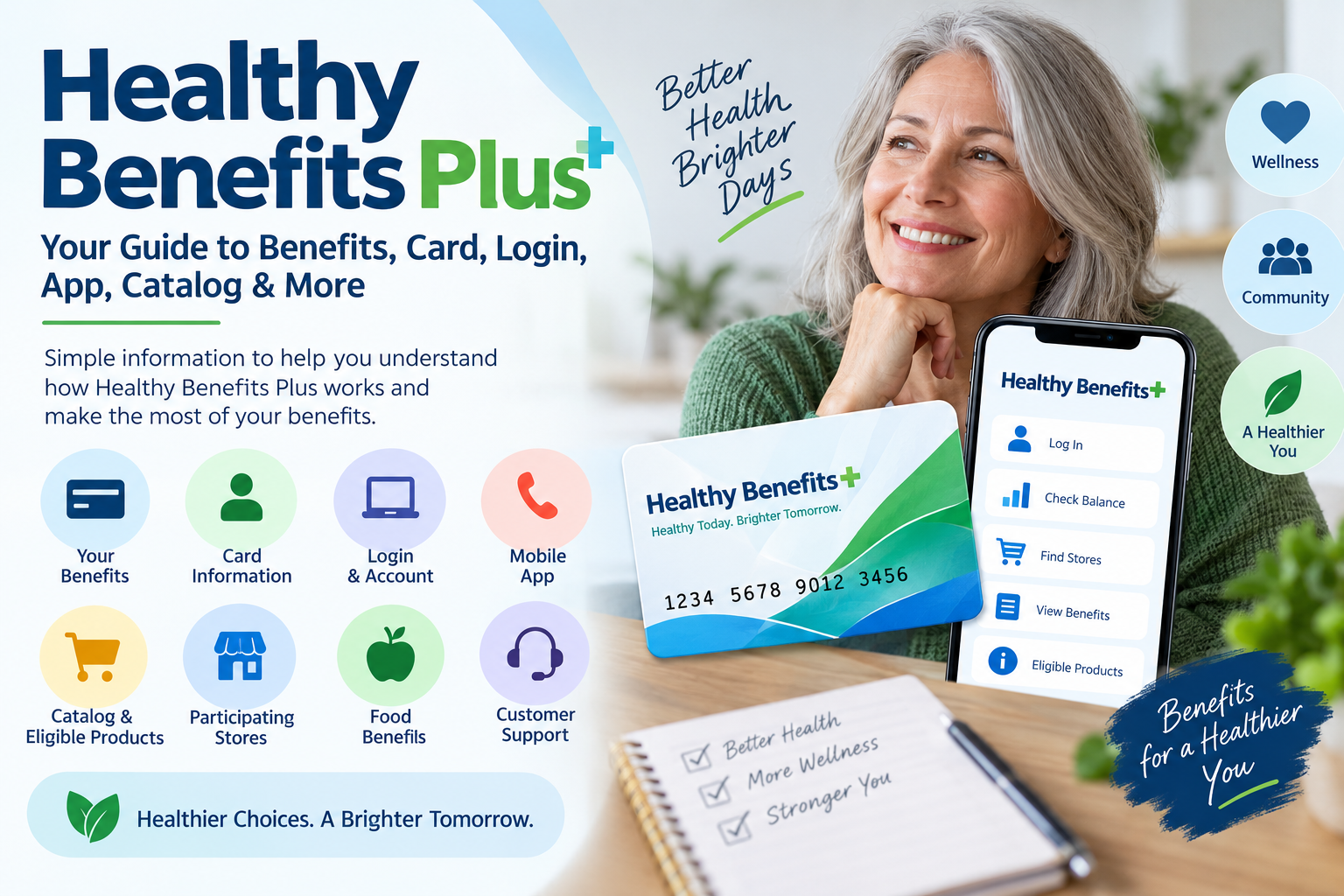
If you have received a Healthy Benefits+ card or have been told that your health plan provides Healthy Benefits+ benefits, you may be wondering how the program works, what you can use your benefits for, and where to manage your account.
Healthy Benefits+ is a benefits and rewards program administered by Optum Financial on behalf of participating health plans and their affiliates. Depending on your specific health plan, the program may provide funds or allowances that can be used toward eligible products and services at participating retailers. The exact benefits available to you are determined by your health plan, so not every member will have access to the same benefits or eligible products.
This guide explains the basics of Healthy Benefits Plus, including the card, account access, app, benefits, eligible purchases, participating stores, and ways to get help.
Important: Healthy Benefits+ benefits vary by plan. Always check your specific Healthy Benefits+ account, program materials, or health plan before making a purchase because eligible products, retailers, benefit amounts, and other rules can change.
Visit the official Healthy Benefits+ website
What Is Healthy Benefits Plus?
Healthy Benefits+ is a program that gives eligible members access to certain health, wellness, grocery, over-the-counter, or other benefits depending on the program offered by their health plan.
Rather than being a traditional cash card, a Healthy Benefits+ card is generally tied to specific benefit programs. The funds available through the program are subject to restrictions and can only be used for qualifying purchases under the applicable benefit program.
The program can be managed through the Healthy Benefits+ website and, where available, the Healthy Benefits+ mobile app. Members can use these tools to view benefits, check their available balance, find participating retailers, and learn which products are covered by their particular program.
How Healthy Benefits+ works
The basic process is straightforward:
- Your health plan determines whether you are eligible for a Healthy Benefits+ program.
- Eligible benefits or funds are made available through your program.
- You activate or register your Healthy Benefits+ card as instructed.
- You create or access your online account.
- You use the website or app to review your available benefits and eligible purchases.
- You use your card at participating retailers or through an approved purchasing method.
- Eligible purchases are paid using the benefits available through your program.
The exact process can differ between programs, so your welcome materials and Healthy Benefits+ account should be treated as the most reliable source for your specific benefits.
Who Can Use Healthy Benefits Plus?
Healthy Benefits+ is not automatically available to everyone.
Eligibility depends on the health plan or program that provides the benefit. If you have received a Healthy Benefits+ card, that generally means you have been enrolled in a program that offers one or more Healthy Benefits+ benefits. The official FAQ recommends checking with your health plan for details about your eligibility and the benefits associated with your card.
Your available benefits may also depend on:
- Your health plan
- The specific Healthy Benefits+ program
- Your eligibility requirements
- The type of benefit provided
- Participating retailers
- Eligible products
- Program rules and restrictions
Because of these differences, two people who both have Healthy Benefits+ cards may not necessarily have identical benefits.
What Benefits Are Available Through Healthy Benefits Plus?
There isn’t one universal list of benefits that applies to every Healthy Benefits+ member.
Depending on the specific program, Healthy Benefits+ may provide benefits related to areas such as eligible over-the-counter products, healthy food, fresh produce, rewards, or other covered purchases.
For example, one Healthy Benefits+ program currently describes benefits for over-the-counter health products, while another program provides benefits for healthy food.
This is why it is important to check your own account instead of relying on a generic list found online.
Why do Healthy Benefits Plus benefits differ?
Healthy Benefits+ works with different health plans and program sponsors. Each program can establish its own eligibility requirements, benefit categories, participating retailers, and eligible products.
The official Healthy Benefits+ website specifically notes that members may only be eligible for certain benefit programs and that item eligibility and availability can change.
Healthy Benefits Plus Card
The Healthy Benefits+ card is used to access the benefits provided through your particular program.
If you are eligible for a program that provides a card, your health plan or program materials should provide information about when and how you will receive it. The official Healthy Benefits+ FAQ states that card delivery timing depends on the health plan’s enrollment process.
Your card may be used for eligible purchases at participating retailers, subject to the rules of your specific benefit program.
How do I activate a Healthy Benefits Plus card?
Card activation instructions can vary by program.
The official Healthy Benefits+ FAQ advises members to call the phone number on the back of their card or use the number provided in their welcome materials to activate the card.
If you have not received your card or are unsure whether you are eligible, contacting your health plan is usually the best way to clarify your enrollment and card status.
Can Healthy Benefits Plus cards be used anywhere?
No. A Healthy Benefits+ card is generally restricted to participating retailers and eligible purchases.
The official program explains that benefits must be used at participating retailers and can only be used to purchase specific items according to the applicable benefit program.
For this reason, it is a good idea to check the Healthy Benefits+ website or app before shopping if you are unsure whether a particular retailer or product is covered.
Healthy Benefits Plus Login
The Healthy Benefits+ website allows eligible members to access their accounts and manage their benefits online.
Depending on your specific program, you may see a Healthy Benefits Plus login page where you enter your email address and password. Healthy Benefits+ also has program-specific pages for different health plans.
Healthy Benefits+ official website
How to log in to Healthy Benefits Plus
A typical login process is:
- Go to the official Healthy Benefits+ website.
- Select Log In.
- Enter the login information associated with your account.
- Follow any security or authentication instructions.
- Once signed in, review your available benefits and account information.
Some Healthy Benefits+ programs have moved to HealthSafe ID for account authentication. The official FAQ explains that certain members need a HealthSafe ID to access the newer website and app experience.
If you are having trouble logging in, use the password or username recovery options provided on the official login page rather than creating another account unnecessarily.
Healthy Benefits Plus Website
The official Healthy Benefits+ website is the primary place to access program information and manage available benefits.
Because Healthy Benefits+ works with multiple health plans, you may encounter different program-specific pages on the website. Your welcome materials or health plan information can help you identify the correct program page.
The website can be used for functions such as:
- Accessing your account
- Viewing available benefits
- Checking your balance
- Finding participating stores
- Reviewing eligible products
- Managing your card
- Getting customer support
The specific features available to you depend on your program.
Healthy Benefits Plus App
Healthy Benefits+ also provides a mobile app for eligible members.
The app is designed to make it easier to manage benefits while away from a computer. Depending on the program, members can use the app to review benefits, find participating merchants, check account information, and receive reminders about benefit funds.
The official FAQ confirms that the Healthy Benefits+ experience is available through mobile devices and that the app can be downloaded through the App Store or Google Play.
What can you do with the Healthy Benefits Plus app?
Available features can vary, but the Healthy Benefits+ mobile experience can help members:
- View their benefits
- Check available funds
- Find participating retailers
- Review eligible products
- Manage their account
- Receive reminders related to benefit funds
For some programs, the newer app and website use HealthSafe ID as part of the login process.
Healthy Benefits Plus Benefits and Balance
One of the most useful features of a Healthy Benefits+ account is the ability to see the benefits and funds available to you.
Your available balance is specific to your program. It can change as benefits are added or as eligible purchases are made.
The official Healthy Benefits+ website advises members who need their benefit balance to log into their account or contact their program using the appropriate number.
How to check your Healthy Benefits Plus balance
You can generally check your available balance by:
- Signing in to your Healthy Benefits+ account.
- Opening the benefits or account section.
- Reviewing the available amount associated with your benefit.
- Checking any applicable expiration information.
Some programs may display benefit balances directly within the app or website.
If your balance does not appear correctly, contact the support number associated with your specific program or the number on the back of your card.
Healthy Benefits Plus Catalog
The Healthy Benefits+ website and app may provide information about products that qualify for a particular benefit.
Some programs also provide a catalog that members can use to identify eligible products. For example, an official Healthy Benefits+ program page for OTC benefits explains that members can browse eligible products online and use the catalog to view qualifying items.
However, there is not necessarily one universal Healthy Benefits Plus catalog for every member.
The products available to you depend on your specific benefit program.
Why should you check the catalog before purchasing?
Checking the catalog or product information before shopping can help you avoid attempting to use your benefits for an item that isn’t covered.
Healthy Benefits+ states that brands, item eligibility, and availability can change.
Therefore, an item that appears eligible under one program may not necessarily be eligible under another.
Healthy Benefits Plus Food Benefits
Some Healthy Benefits+ programs include benefits for eligible food or produce.
For example, an official Healthy Benefits+ program page describes a benefit that can be used toward healthy food, while another program focuses on fresh produce.
However, you should not assume that every Healthy Benefits+ card includes grocery or food benefits.
To determine whether your card can be used for food, check:
- Your Healthy Benefits+ account
- Your benefit categories
- Your program’s eligible-product information
- Your health plan’s benefit documents
- The Healthy Benefits+ app or website
This is particularly important when shopping at a large retailer because eligibility can depend on both the benefit program and the individual product.
Where Can You Use Healthy Benefits Plus?
Healthy Benefits+ benefits are available through participating retailers, but the list of stores depends on your specific program.
The official Healthy Benefits+ platform provides tools that allow members to discover participating merchants and determine where their benefits can be used.
Some programs may allow members to shop online, in stores, or through other approved ordering methods.
How to find Healthy Benefits Plus stores
The easiest approach is to:
- Sign in to your Healthy Benefits+ account.
- Open the store or merchant-finder feature.
- Search for retailers in your area.
- Check which products or benefits are accepted.
- Confirm eligibility before completing your purchase.
Don’t rely solely on a general list of stores found online because participating retailers and eligible products can change.
Healthy Benefits Plus and Walmart
Walmart may be available as a participating retailer for certain Healthy Benefits+ programs, but Walmart availability does not mean every Healthy Benefits+ member can use their card for every Walmart purchase.
The specific benefit program determines which Walmart purchases qualify.
For example, an official Healthy Benefits+ OTC program explains an online shopping process involving Walmart.com, while other Healthy Benefits+ programs have different benefit structures.
If you plan to shop at Walmart, check your Healthy Benefits+ account or program information first to determine:
- Whether Walmart is an eligible retailer for your program
- Which products qualify
- Whether online purchases are supported
- Which payment method is required
- Whether any restrictions apply
What Can You Buy With Healthy Benefits Plus?
There is no single product list that applies to everyone using Healthy Benefits+.
Depending on the program, eligible products may include categories such as:
- Over-the-counter health products
- Allergy products
- Cough and cold products
- First-aid supplies
- Oral-care products
- Pain-relief products
- Vitamins
- Eligible food
- Fresh produce
- Other products covered by a specific benefit program
For example, an official Healthy Benefits+ OTC program lists allergy medication, cough drops, first-aid supplies, oral-care products, pain relievers, and vitamins among eligible OTC categories.
That list should not be interpreted as a universal list for every Healthy Benefits+ member.
Always check your own benefit program before purchasing.
Why Is My Healthy Benefits Plus Card Not Working?
There can be several reasons a Healthy Benefits+ card may not work at checkout.
Possible explanations include:
- The retailer is not participating in your program.
- The product is not eligible.
- Your available benefit balance is insufficient.
- The benefit has expired.
- The card has not been activated.
- Your account or card needs attention.
- The purchase does not meet the rules of your specific benefit program.
Healthy Benefits+ states that cards are subject to use restrictions and that eligible products and participating retailers can change.
If the card continues to be declined, check your account first and then contact the program using the support information provided with your card.
Does Healthy Benefits Plus Expire?
Some Healthy Benefits+ programs have expiration rules for available funds.
The expiration date can vary by program, so you should check your account and program information rather than assuming that all Healthy Benefits+ funds remain available indefinitely.
The Healthy Benefits+ app is designed, among other things, to help members receive reminders when funds expire or reload.
If you have funds available, check your account regularly so you understand when those funds must be used.
Healthy Benefits Plus Customer Service
If you need help with your account, card, balance, eligibility, or a declined transaction, use the customer-service information associated with your specific Healthy Benefits+ program.
The official Healthy Benefits+ website provides program-specific support information, and many program pages direct members to the phone number on the back of their card.
Before contacting customer service
Have the following information available if appropriate:
- Your Healthy Benefits+ card
- Your account information
- Your health plan information
- Details about the transaction you’re asking about
- The retailer where you attempted to use the benefit
Don’t publish a generic Healthy Benefits+ phone number as if it applies to every member. Different programs can have different support numbers. The safest approach is to direct readers to the number printed on their card or the official program page.
Frequently Asked Questions About Healthy Benefits Plus
What is Healthy Benefits Plus?
Healthy Benefits+ is a program that provides eligible members with certain benefit funds or rewards that can be used for qualifying purchases according to their health plan’s program rules. Benefits vary by plan.
Is Healthy Benefits Plus free?
Healthy Benefits+ is a benefit program provided through participating health plans. Whether you are eligible and what benefits you receive depends on your specific health plan and program.
How do I get a Healthy Benefits Plus card?
You generally need to be enrolled in a health plan or program that offers Healthy Benefits+. Card delivery and eligibility depend on the specific plan.
Can I check my Healthy Benefits Plus balance online?
Yes. Eligible members can generally access their balance through their Healthy Benefits+ account, although the exact account interface depends on the program.
Does Healthy Benefits Plus have a mobile app?
Yes. Healthy Benefits+ provides a mobile app for eligible members, with availability through the App Store and Google Play.
Can I use Healthy Benefits Plus at Walmart?
Some Healthy Benefits+ programs support Walmart purchases, but eligibility depends on your specific benefit program. Check your account before shopping.
Can I use Healthy Benefits Plus at any store?
No. Benefits are generally restricted to participating retailers and eligible products under your particular program.
Why can’t I use my Healthy Benefits Plus card for a particular item?
The item may not be eligible under your specific benefit program, even if another Healthy Benefits+ program covers a similar product. Product eligibility can vary and change over time.
How do I activate my Healthy Benefits Plus card?
Follow the activation instructions provided with your card. The official FAQ says members can activate the card using the phone number on the back of the card or in their welcome materials.
Does everyone get the same Healthy Benefits Plus benefits?
No. Benefits depend on the specific health plan and program. Different members can have different eligible benefits, products, retailers, and amounts.
Final Takeaway
Healthy Benefits+ can be useful for eligible members who want to manage health, wellness, food, OTC, or other covered benefits through a dedicated card, website, and mobile experience. However, the most important thing to remember is that Healthy Benefits+ is not one identical benefit package for everyone.
Your health plan determines which benefits you receive, where you can use them, and which products qualify. Before making a purchase, check your Healthy Benefits+ account, app, catalog, or program information to confirm that the item and retailer are eligible.
For account access and program information, use the official Healthy Benefits+ website:


